
By Zombie Trend AI
Best Photos for an AI Zombie Trend Video
Choose the right two photos for an AI zombie trend video. Check framing, light, file limits, consent, and privacy before uploading.
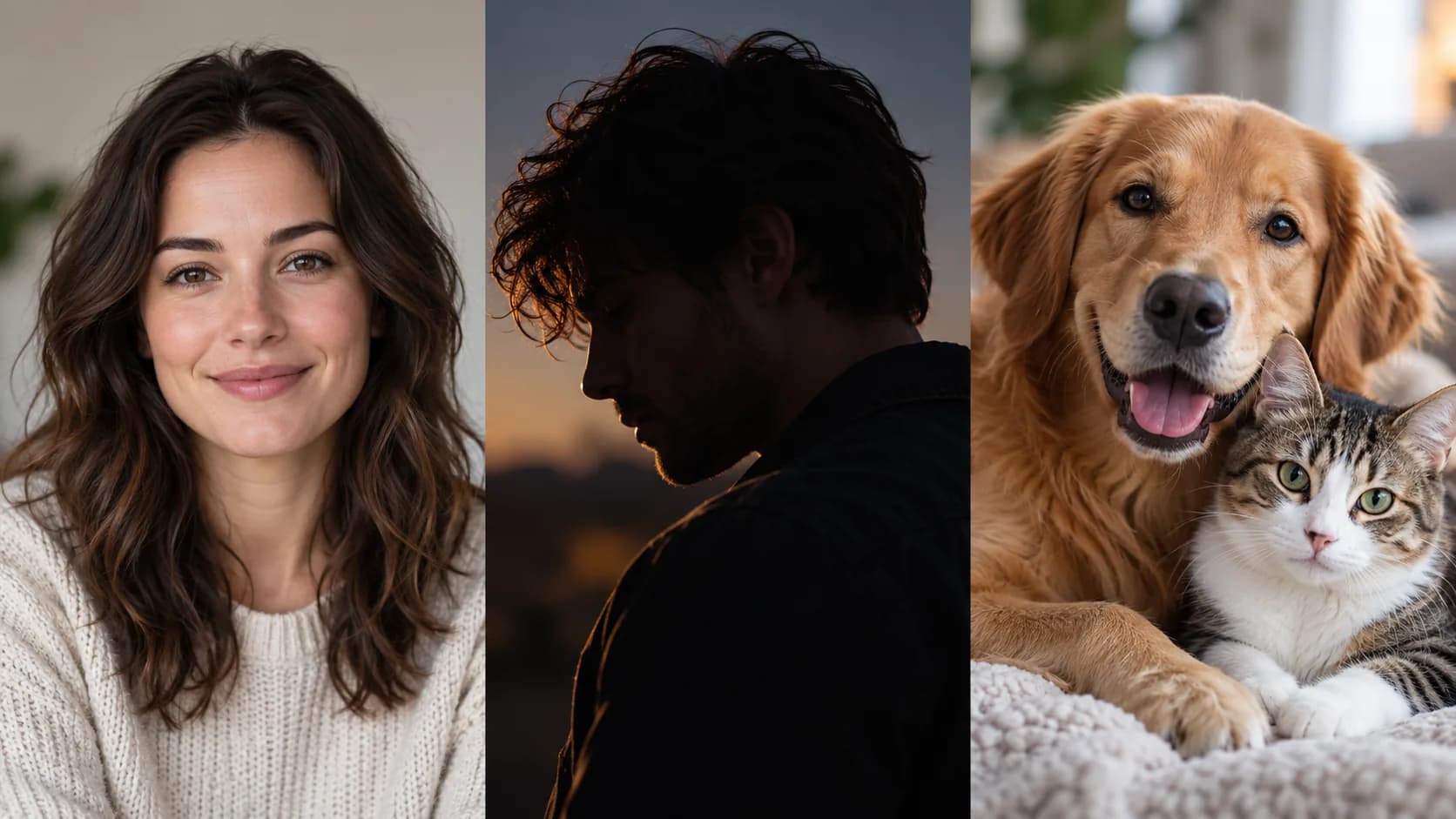
The source images help an AI zombie trend generator understand who should appear in each role. A useful photo is not a special zombie portrait: it is an ordinary, clear reference that shows one intended person or pet. Better references can make identities easier to read, though no photo can guarantee a perfect match in a generated video.
Quick checklist
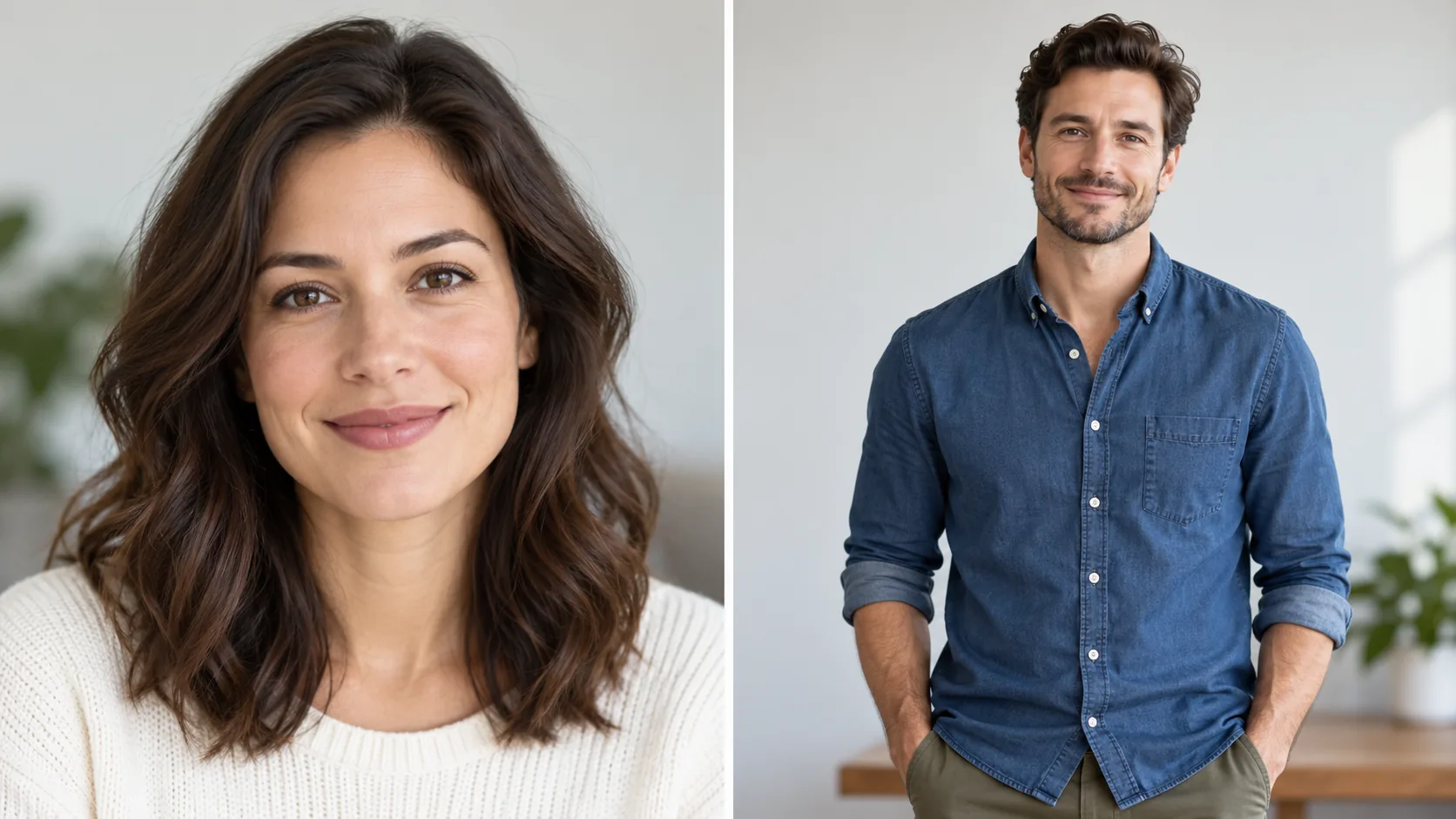
- One main subject per image. Separate photos make it easier to map one person to one role.
- Keep the face visible. Avoid sunglasses, hands over the face, heavy shadows, and extreme side profiles.
- Use even light and a sharp image. Blurry or very dark portraits contain less visible detail.
- Choose a natural photo. Heavy beauty filters, avatars, and prior zombie edits can obscure the original features.
- Show enough of the subject. A head-and-shoulders or waist-up crop keeps the face visible while providing some context.
- For a pet, include its face and recognizable markings. Avoid crops where the animal is very small or partly hidden.
Zombie Trend AI accepts JPG, PNG, and WebP files up to 30 MB each. Each photo starts uploading as soon as you select it. You do not need to match backgrounds or outfits between the two source images. The generator creates the story setting; do not upload a screenshot of the example video or an image of a weapon as a substitute for an ordinary portrait.
Which photo goes in which slot?
In People mode, upload the survivor first and the person who becomes infected second. In Pet mode, upload your own photo first and the dog or cat photo second. Check the preview thumbnails before submitting. For the complete workflow, see how to make the AI zombie trend from two photos.
Permission and sensitive images
Only upload photos you own or have permission to use. People mode is limited to consenting adults; the service does not accept photos of children or public figures. If you are making the video with a friend or partner, ask before uploading their image. Before posting the result, let viewers know it is AI-generated rather than real footage.
Consider what is visible beyond the face. A photo can include home interiors, school or workplace details, location clues, or other people in the background. Crop or choose another image if those details should not be shared.
Understand how the images are handled
Uploaded images are stored for processing and sent to the generation provider. The current workflow uses HTTPS object URLs that are publicly retrievable by anyone who obtains the exact URL while the file is available. Source photos are normally deleted after generation. Completed videos do not currently have automatic expiry and remain available through their object URLs. The site does not publish customer files in a public gallery, but an exact URL should still be treated as sensitive.
Read the Privacy Policy for the current retention details. Avoid uploading private or sensitive photos if this access model does not fit your needs.
Once your photos are ready, review the AI zombie trend video format and resolution guide, then open the studio to preview the sample and see the credit cost before generating.