
By Zombie Trend AI
AI Zombie Trend Video Format: 9:16 or 16:9?
Choose a portrait or landscape AI zombie trend video, compare 480p and 720p, and check the credit cost before you render.
Before you render an AI zombie trend video, make two separate choices: frame shape and resolution. The shape controls whether the video is portrait or landscape. Resolution controls how much image detail the output can contain. In Zombie Trend AI, both choices are available before you submit, and the studio shows the credit cost for your selection.
9:16 portrait or 16:9 landscape?
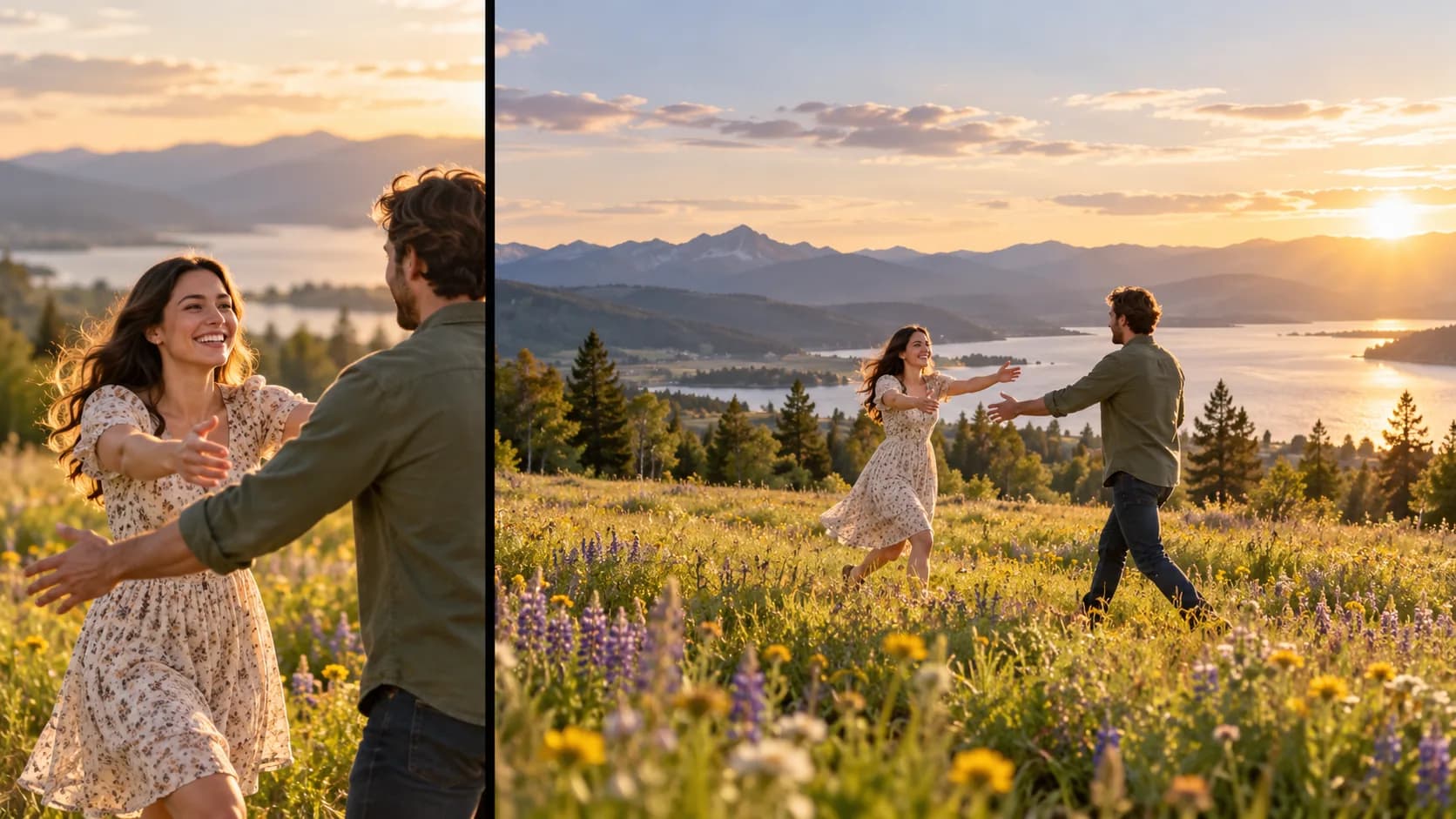
Choose 9:16 portrait when you want a tall composition that fills a phone screen. Choose 16:9 landscape for a wide player, desktop viewing, or a horizontal presentation. Think about how someone will watch the clip, not about a promise that one ratio will perform better in a feed. Social platforms and placements change, so check the destination's current upload guidance before posting.
The ratio changes the frame, not the story. The preset sequence is 15 seconds in either shape. A vertical crop may give less horizontal room around two characters; a landscape frame has more width but may appear smaller when viewed upright on a phone. Preview the site's sample in the chosen format if composition is important to you.
480p or 720p?
Zombie Trend AI offers two output resolutions:
| Setting | Credit cost | A practical way to choose |
|---|---|---|
| Standard 480p | 10 credits | Use when a smaller output is sufficient or you want to try the preset at the lower credit cost. |
| HD 720p | 20 credits | Choose when you prefer more visible detail and are comfortable using twice the credits. |
Both options create the same 15-second story with audio. Resolution does not change the storyboard, guarantee facial likeness, or determine whether the video will be recommended by a platform. Check the displayed credit amount immediately before you submit; prices and product settings can change.
Decide the frame first, then resolution
- Consider where and how you will watch or share the video.
- Pick portrait or landscape based on that viewing space.
- Choose 480p or 720p based on the detail you want and the credit cost.
- Review both selections and the total credits shown in the studio.
- After rendering, play the MP4 on the device and app where you intend to use it.
If you are still preparing the source images, see the AI zombie trend photo checklist. For the complete generator flow, read how to make the AI zombie trend from two photos.
Does a vertical video get more views?
The aspect ratio alone cannot guarantee reach or engagement. Vertical video fits a portrait screen; landscape video gives a wider composition. Choose the shape that suits your audience and intended placement, and check current platform requirements before publishing. Be transparent that the clip is AI-generated and get permission from the people shown.
Open the video studio to preview the example and see the available settings before spending credits.